 Google Play ↗
 App Store · IN DEVELOPMENT
 Follow Guitar Lab on Instagram
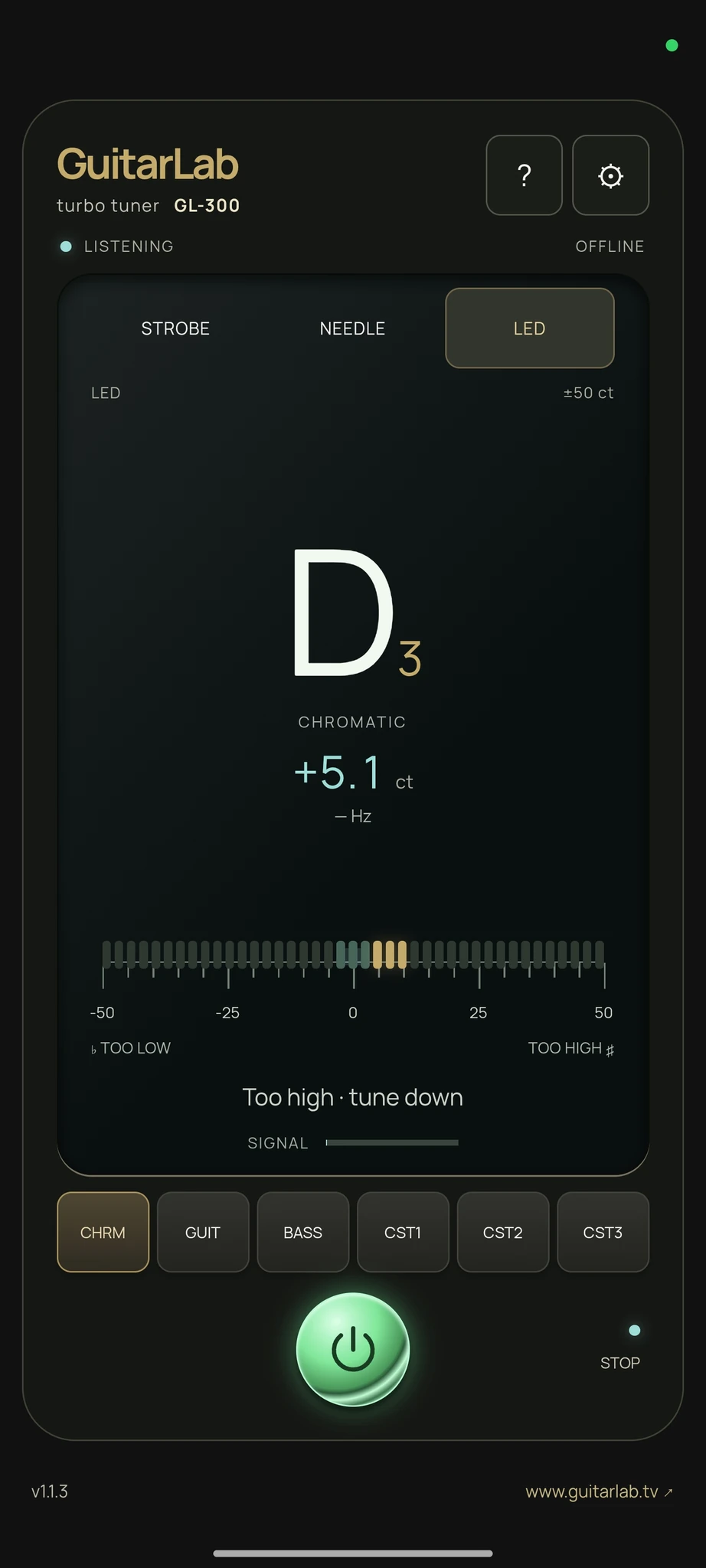
 STROBE / NEEDLE / LED
Three ways to display tuning

AVAILABLE ON GOOGLE PLAY
Three tuning displays: STROBE, NEEDLE and LED.
AVAILABLE ON GOOGLE PLAY
Two strobe rings, a classic needle or an LED strip. GL-300 lets you choose your display, save tunings and adjust the A4 reference.
Tuning with the Sonic Research ST-300 inspired this app. GuitarLab GL-300 is an independent SVG SOUND RESEARCH project, unaffiliated with Sonic Research. This reference identifies an inspiration, not an endorsement or equivalent measurement specifications.
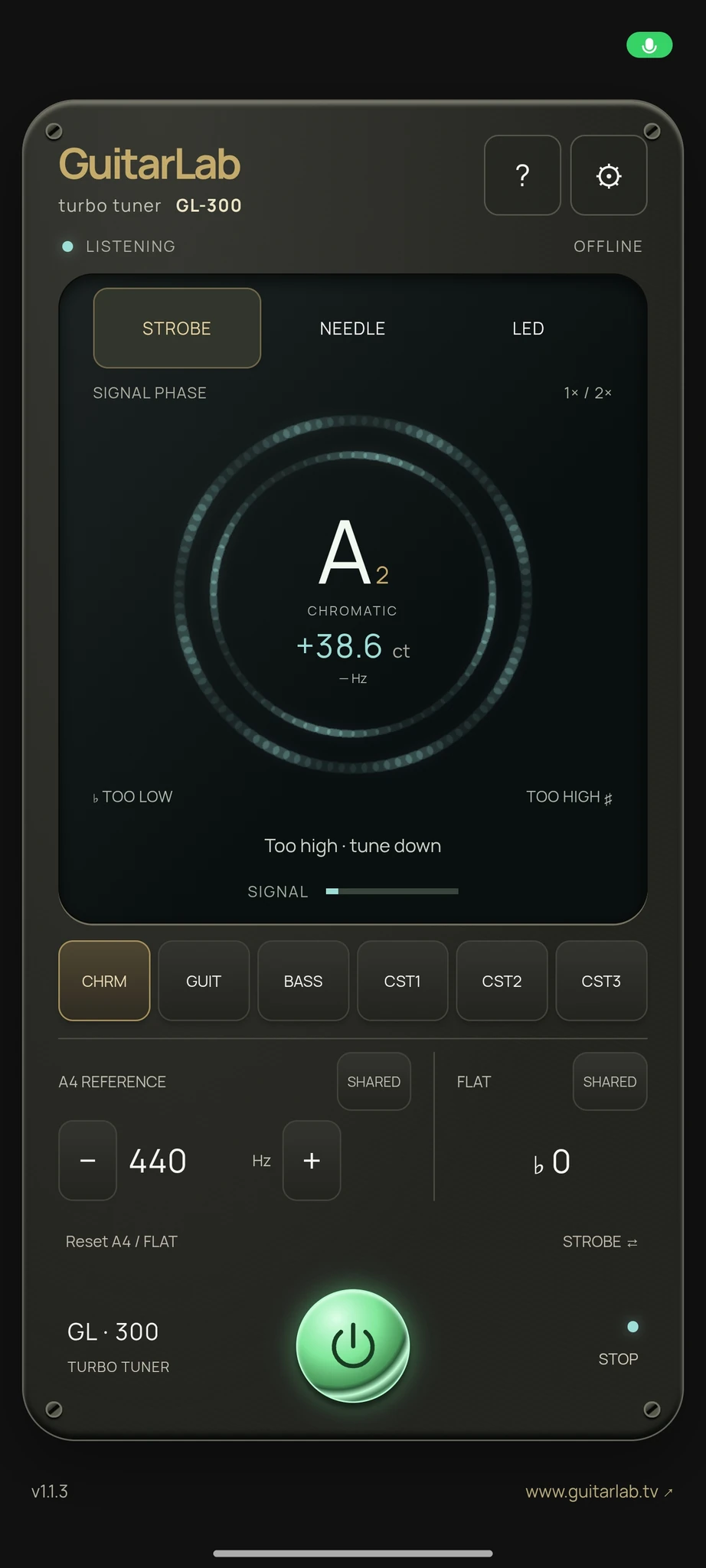
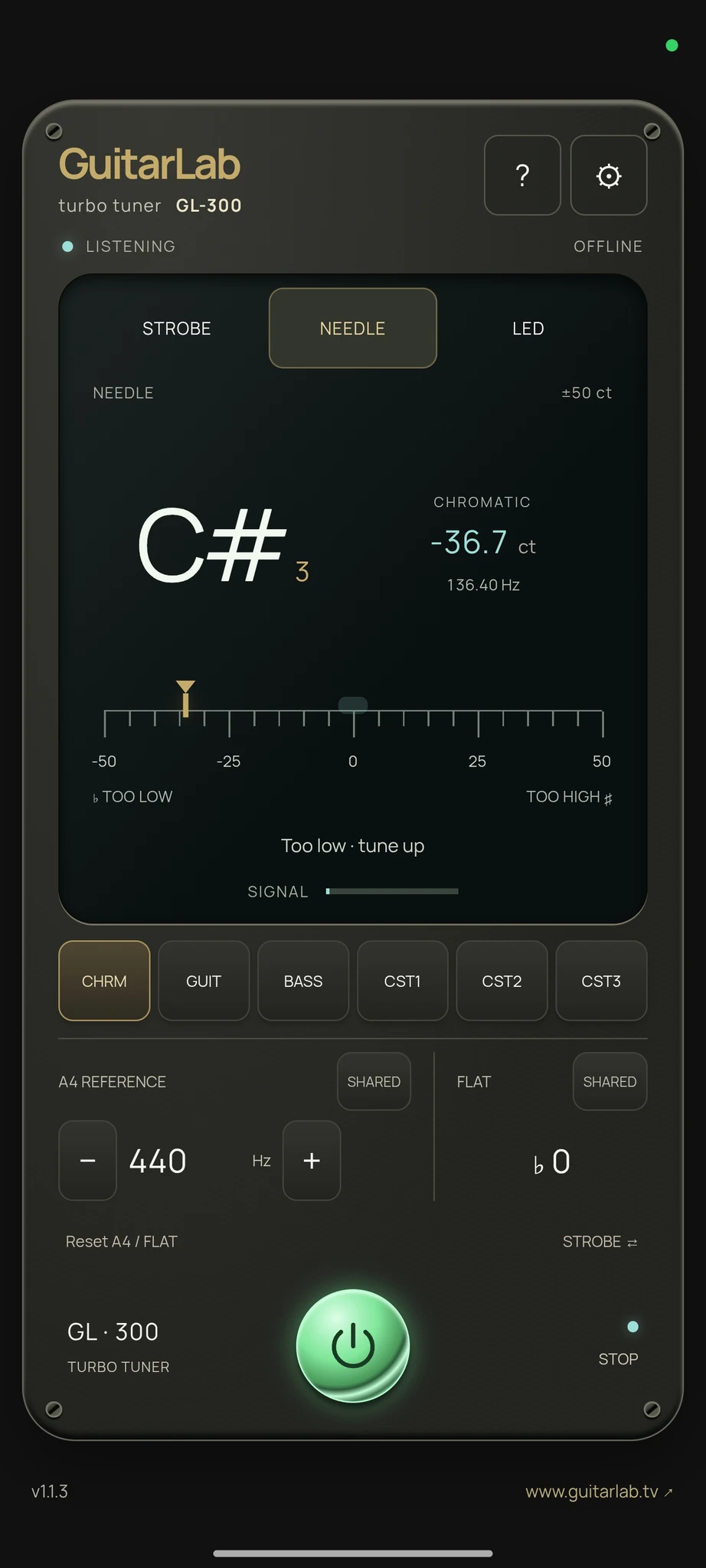
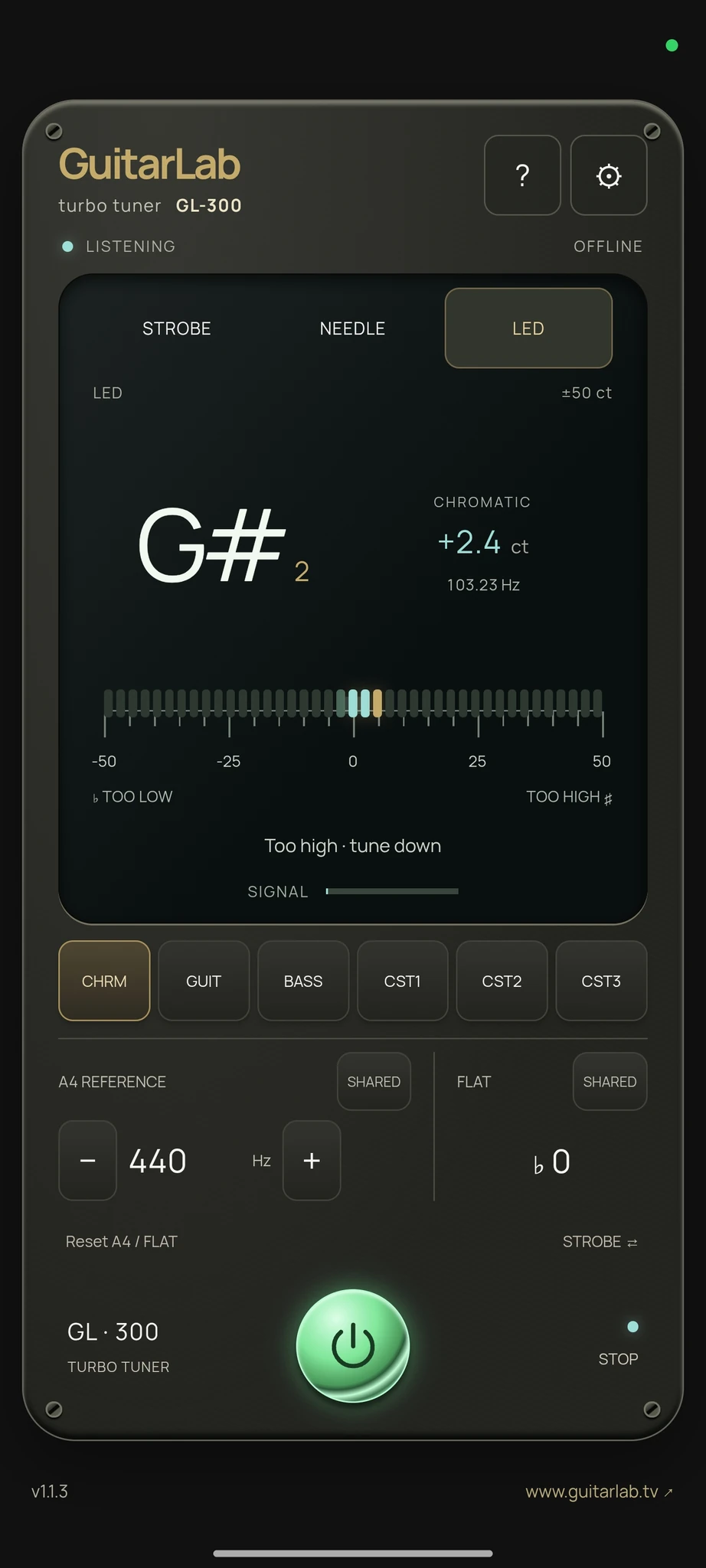
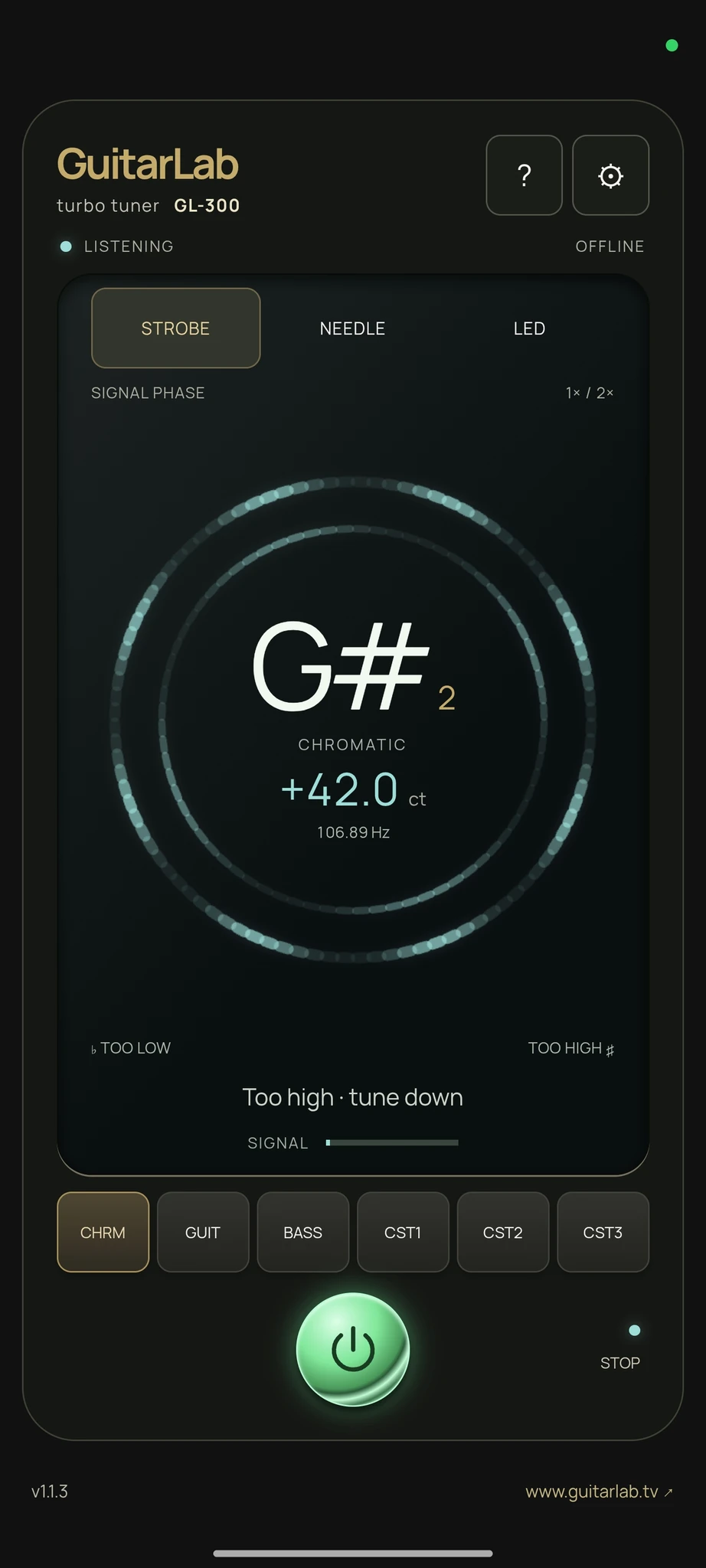

Three ways to display tuning
Chromatic, guitar and bass modes
Three custom tuning slots
Adjustable reference, 440 Hz default
Lower tuning in semitone steps
Offline interface and guide
Based on the GL-300 version 1.1 app guide.
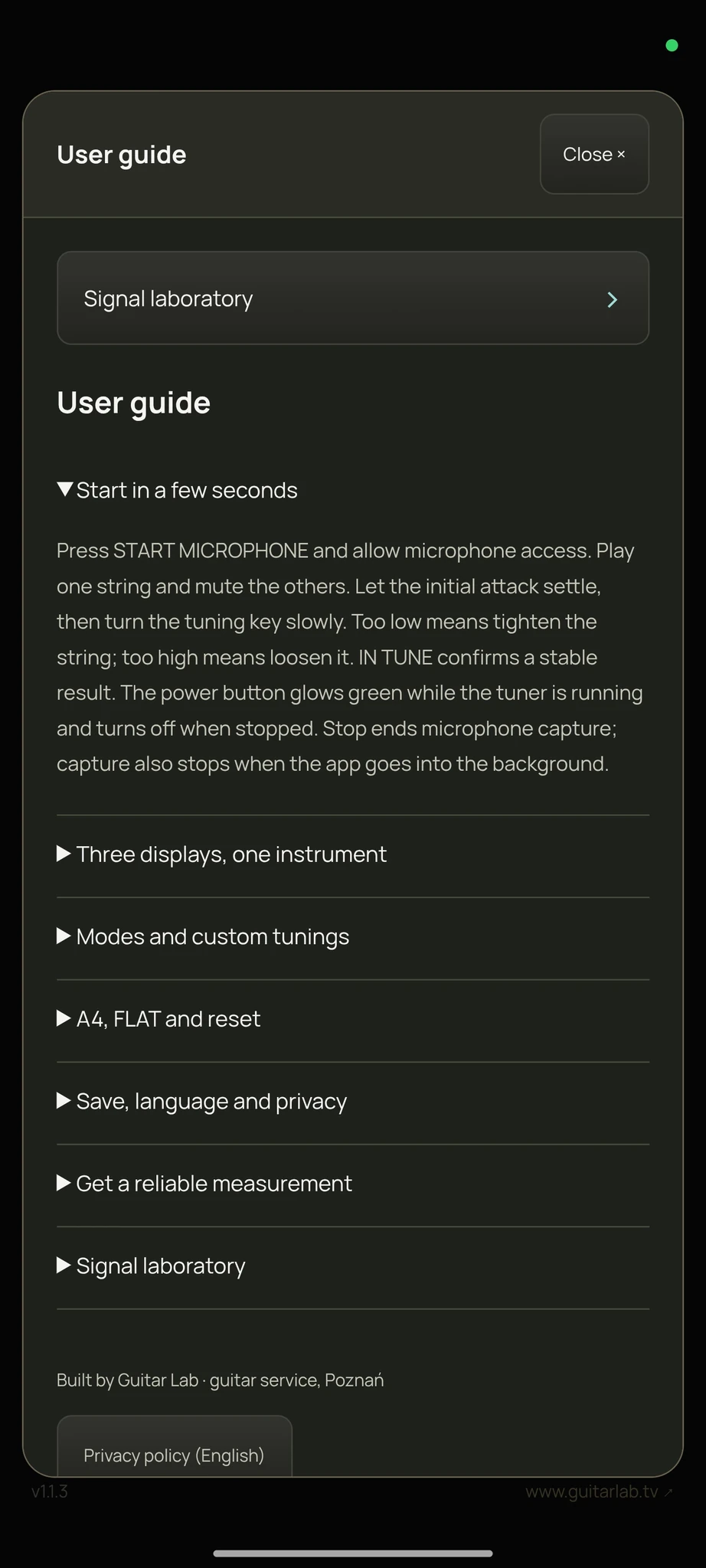
Press START MICROPHONE and allow microphone access. Play one string and mute the others. Let the initial attack settle, then turn the tuning key slowly. Too low means tighten the string; too high means loosen it. IN TUNE confirms a stable result. Stop ends microphone capture; capture also stops when the app goes into the background.
STROBE shows two moving rings. In SIGNAL PHASE mode their movement comes from the fundamental and second harmonic: clockwise is sharp, counterclockwise is flat. A stable pattern indicates tuning; a weak or missing harmonic can dim one ring. SIMULATION instead animates the estimated cents and has a small still zone near zero. NEEDLE and LED show the same pitch estimate on a ±50 ct scale. A cent is 1/100 of a semitone.
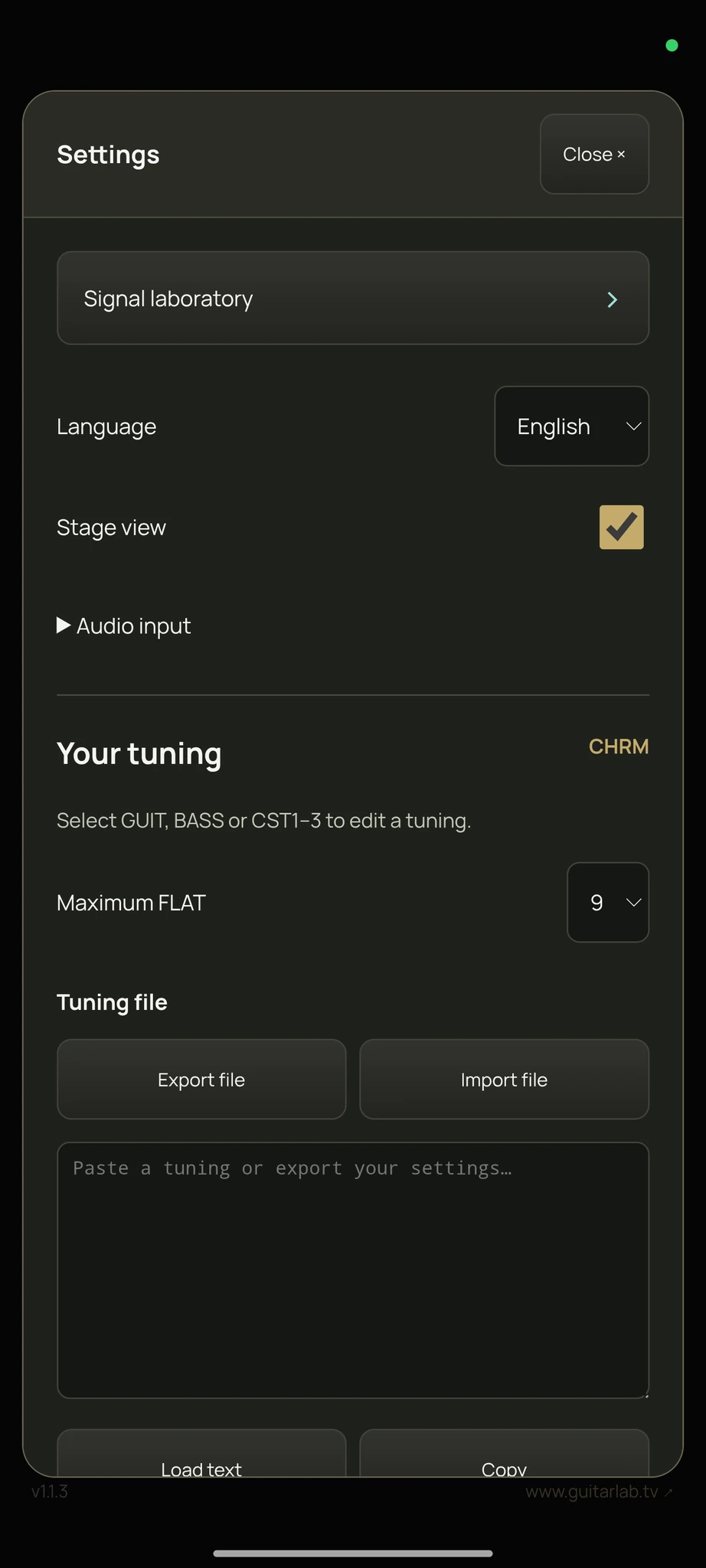
CHRM follows the nearest chromatic note. GUIT and BASS follow the stored open strings; string 1 is the highest-pitched string. CST1–3 are editable memories. In Settings choose STRINGS (up to nine, unused positions set to U) or TEMPERAMENT (offsets for C…B). Notes use international naming: B means German H; B-flat appears as A#. Offsets are in cents, from −50 to +50. Presets replace the selected slot. Stage view hides secondary controls; Settings remains accessible.
A4 selects the reference from 300.0 to 599.9 Hz; 440 Hz is standard. Hold + or − to change it faster. SHARED uses the common value; CUSTOM stores an override for the current mode. Tap FLAT to lower the tuning by semitones; hold it to return to zero. Settings selects a maximum of 6 or 9. Reset A4 / FLAT restores 440 Hz, zero FLAT and shared values for every mode; it keeps the stored tunings. Slot resets require confirmation and replace the five editable slots.
Export a text file to back up your tunings; import a file or paste the text to restore them. Check the values after an import with corrections. English is the default; choose Polski or Deutsch in Settings. Language, display and tuning settings are saved locally. All tuning and this guide work offline. Audio is neither recorded to a file nor uploaded. The Guitar Lab website link opens outside the tuner and needs an internet connection.
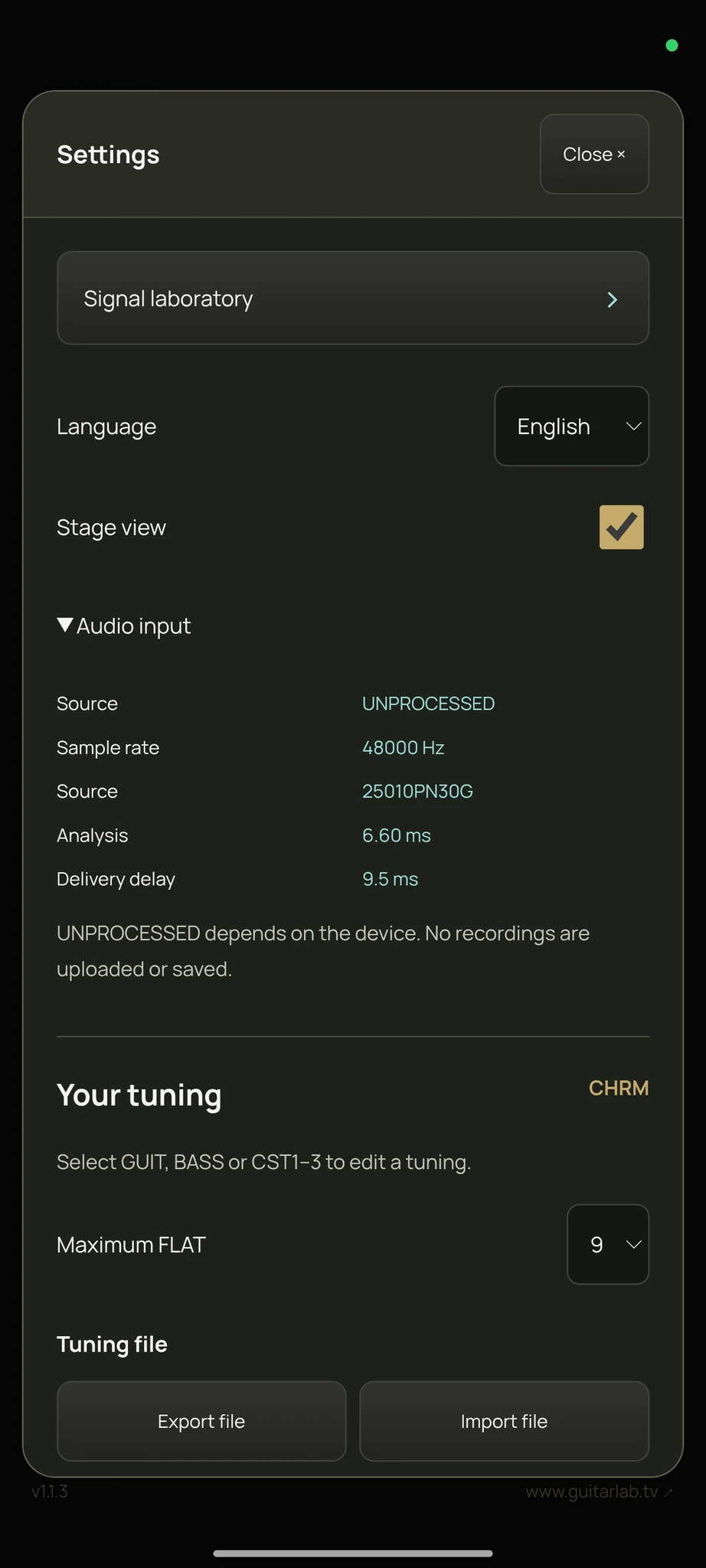
Avoid clipping, wind, loud background sound and simultaneous notes. The Audio input panel shows the selected source and sample rate; analysis and delivery times are diagnostics, not a guarantee of total latency. Android uses UNPROCESSED when available, otherwise VOICE_RECOGNITION. Microphone response and clock accuracy depend on the device. C0–C6 is the tested synthetic range; very low bass through a phone microphone may be unreliable. A supported wired audio interface can help, but input routing depends on Android. A4 calibration does not calibrate the hardware sample clock.
Hold the version label for about one second (keyboard: Shift+Enter) to show the test generator. It replaces the microphone with synthetic samples and plays no sound. Adjust frequency, harmonics, noise and 50 Hz hum, then restart the generator to apply them. TEST INPUT is shown while it is active. Use STOP and START MICROPHONE to return to real audio.